
Find the Security Gaps in Your Website
The SRP WordPress Security Audit is a free online scan that finds the security gaps attackers look for first. These include exposed files and folders, software version leaks, unsecured login and API endpoints, missing security headers, and weak email security records. Enter your website, and you'll receive a PDF report by email within 10 minutes, with a security score out of 100 and a prioritized list of what to fix.

Free WordPress Security Audit:
Make Your Website a Harder Target
Find hidden vulnerabilities, lock down sensitive data, and cut your risk of an automated attack.
Your website is one of your company's most valuable assets. However, bots and attackers scan the web around the clock, looking for exposed files, unsecured endpoints, and configuration leaks. In 2025, 11,334 new vulnerabilities were found in the WordPress ecosystem, 91% of them in plugins, according to Patchstack (State of WordPress Security in 2026). The most heavily targeted flaws were exploited within a median of five hours, according to Patchstack (2026). So one missed update can cost you customer data, your reputation, and your search rankings.
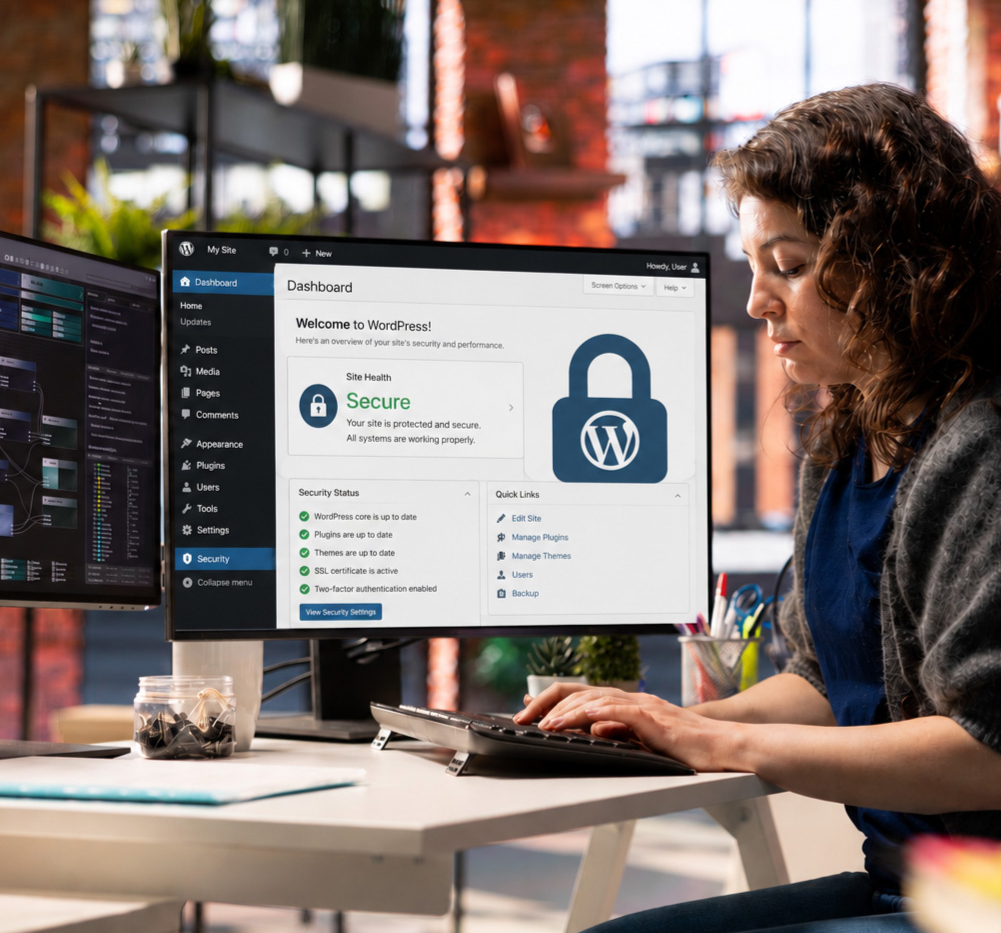
WordPress Security Audit
Your next step: fill out the secure form below to get started. Your custom security action plan arrives by email in about 10 minutes.
No system stops a determined intruder every time. An unhardened website is still an easy target, and most attacks are opportunistic rather than targeted.
This free scan shows you where those gaps are, so you know what to fix first.
Your next step: enter your website in the form above, and we'll run the scan in real time. Your custom PDF report arrives by email within 10 minutes. Free, online.
Last updated .
What the WordPress Security Audit Analyzes
The WordPress Security Audit scores five areas of your homepage's public security, from HTTPS encryption to login and API exposure, and lists a sixth group of items for manual review.
- Encryption and DNS security: whether all traffic is forced over HTTPS with a 301 redirect and protected by an HSTS header, and whether your SPF, DMARC, and CAA records protect your domain from email spoofing and unauthorized SSL certificates.
- Software and configuration leaks: whether your WordPress version, plugin versions, or server "powered by" headers are visible, and whether security headers such as X-Frame-Options, X-Content-Type-Options, Content-Security-Policy, and Referrer-Policy are in place.
- File and directory exposure: whether open directory listings, debug logs, default WordPress files such as readme.html, or sensitive files such as .env, .git, and database backups can be read by anyone on the internet.
- Login and API exposure: whether your login page sits at the default address, whether XML-RPC is open to brute-force attempts, and whether the REST API reveals usernames.
- Performance and reputation: your mobile Lighthouse score and load speed, and whether threat databases such as VirusTotal flag your domain as malicious.
- Manual review items (not scored): DKIM email signing, plugin and theme vulnerability mapping, firewall and two-factor login setup, and custom code review.
How Does the WordPress Security Audit Work?
The WordPress Security Audit works in four steps and delivers your report within 10 minutes.
- Step 1, enter your details: add your name, website, company, industry, and business email in the form above. You also confirm that you are authorized to run a security scan on the website. This authorization step matters, because a security scan should only run on sites you own or manage.
- Step 2, we scan your site: the tool runs a read-only check of your website in about 30 seconds. It reviews the same public information an attacker's bot would see: HTTPS settings, software versions, visible files and folders, API endpoints, domain reputation, and security configuration. The scan does not change any files or run intrusive penetration tests, so it is safe on a live website.
- Step 3, the PDF arrives in your inbox: within 10 minutes, you receive a multi-page PDF report by email. The report gives your website a security score out of 100 and explains each finding in plain language. Every issue is ranked by risk, so you can see what needs attention first.
- Step 4, you fix the top priorities: start with the high-risk items at the top of the list. For example, that may mean protecting your login page with rate limiting and two-factor authentication, hiding software versions, or closing an unused XML-RPC endpoint. Your developer can handle most fixes, or SRP can help put them in place.
Because attackers keep finding new vulnerabilities, one scan is a snapshot, not a permanent result. So run the audit again after you apply fixes, and whenever you add new plugins or make major changes to your website.
FAQs (Frequently Asked Questions)
What does the free security audit check?
How long does the scan take to generate?
Why is a corporate email address required?
Is it safe to run this automated audit on a live website?
Audit Methodology
Sebastian Pincetti, Partner at SRP Communication & Brand Design, built this scanner with the SRP Development Team. We analyzed 217 security scans run between June and September 2026. Our data shows that an enabled XML-RPC endpoint was the most common issue we found. That issue affected 51% of the sites we scanned, according to SRP (217 scans, June to September 2026).
How the score works. Your score out of 100 is the sum of five areas worth 20 points each: encryption and DNS security., software and configuration leaks, file and directory exposure, login and API exposure, and performance and reputation. Manual review items are listed in the report but not scored.
Last updated .
Obtain the WordPress Security Baseline Report
You'll see where your file exposures, unsecured endpoints, and configuration gaps are. The scan generates a security score out of 100 and a specific list of what to harden first. So you can cut your risk of an automated attack instead of guessing at it.
Audit Requirements: This free scan requires a corporate email address (no Gmail or Hotmail) to protect server bandwidth for every business.
Your next step: enter your website in the form above, and we run the scan in real time. Your custom PDF report arrives by email within 10 minutes. Free, online.
What should you do after the audit?
After the audit, you should fix the high-risk items at the top of your report first; many take less than a day. If you'd like help, our team can implement the fixes, or you can book a call. Want to know if AI can find your business too? Run our free AI Visibility Audit.
Disclaimer:
The SRP WordPress Security Audit performs a non-intrusive, read-only check of your homepage's public server headers, configuration endpoints, common sensitive file paths, public DNS records, and domain reputation. … Identifying internal code vulnerabilities, plugin vulnerabilities, and DKIM configuration requires a manual security review. By submitting a URL, you confirm that you have the legal authority to authorize a scan on the target domain.